Floors and walls on any geometry.
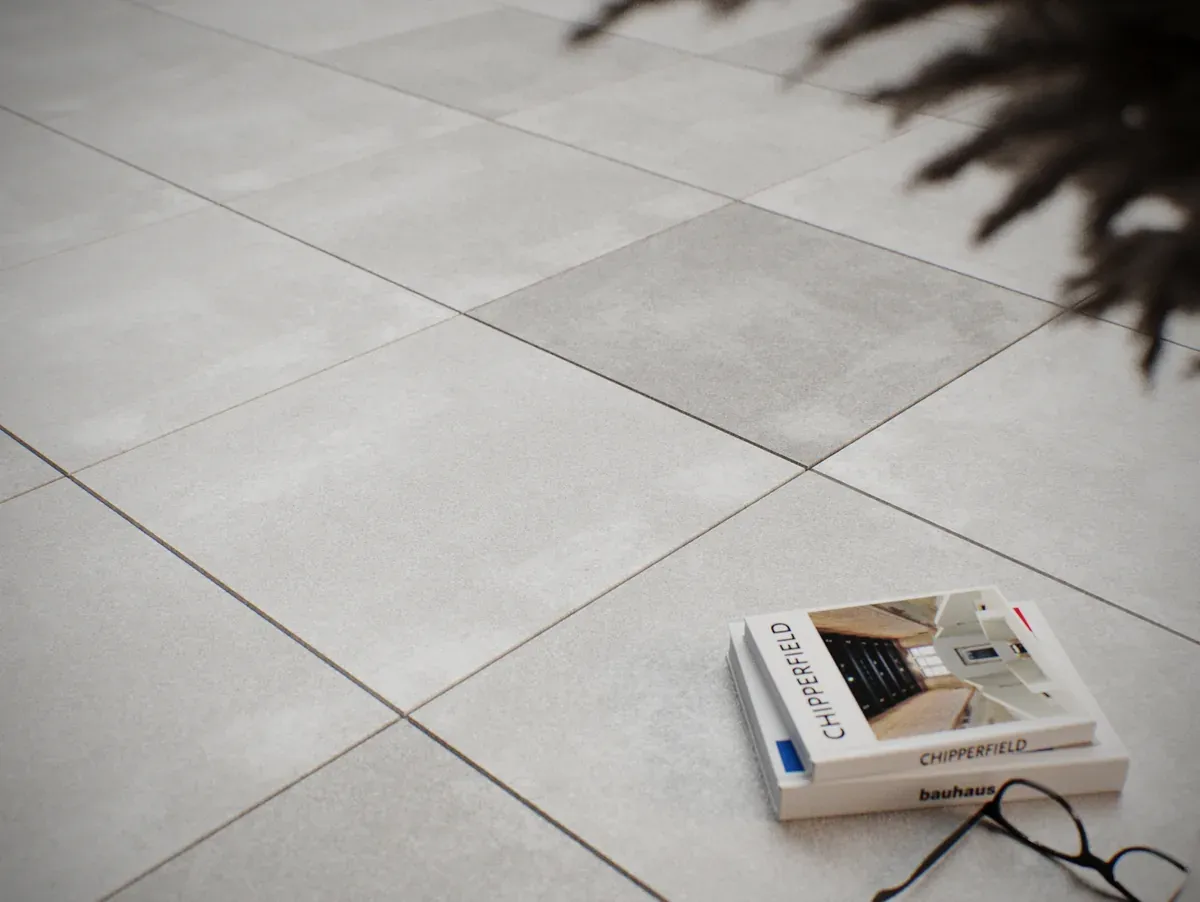
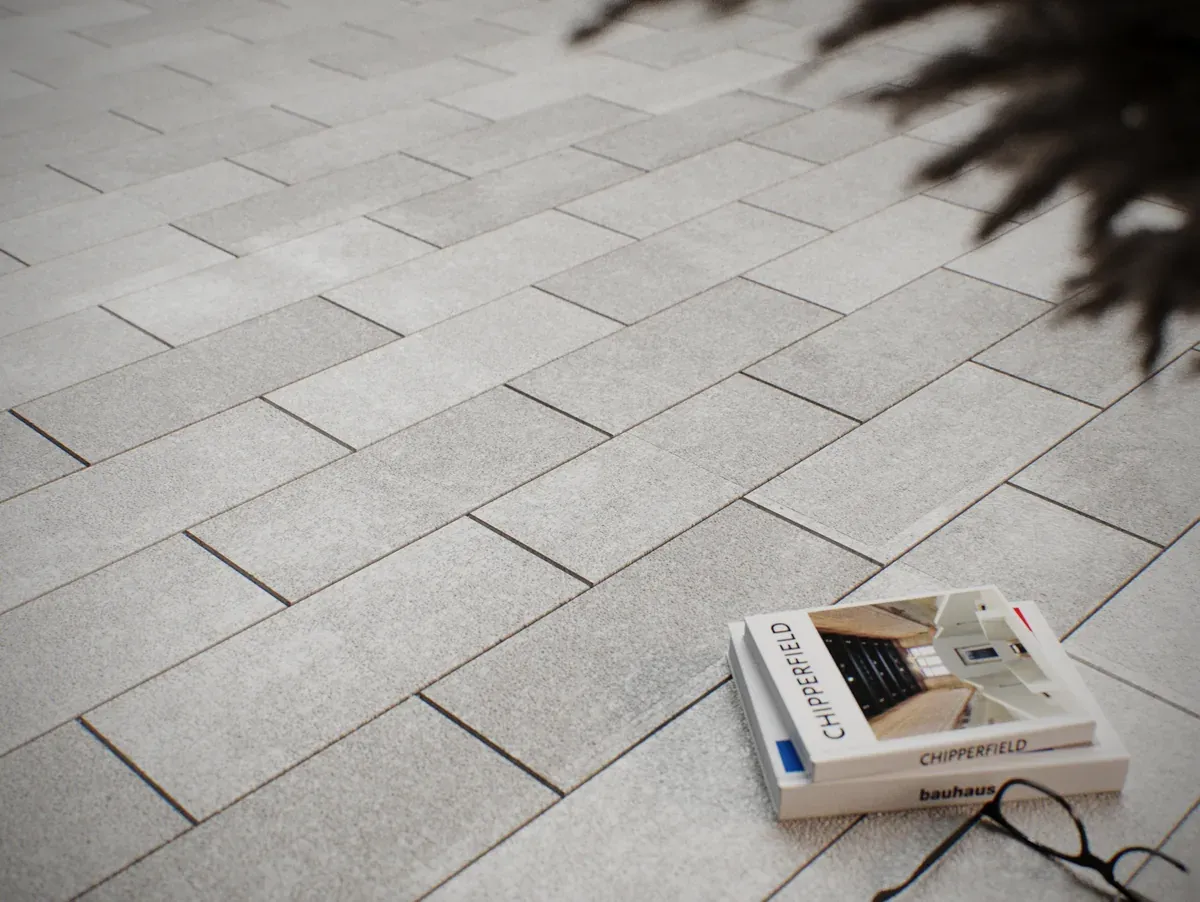
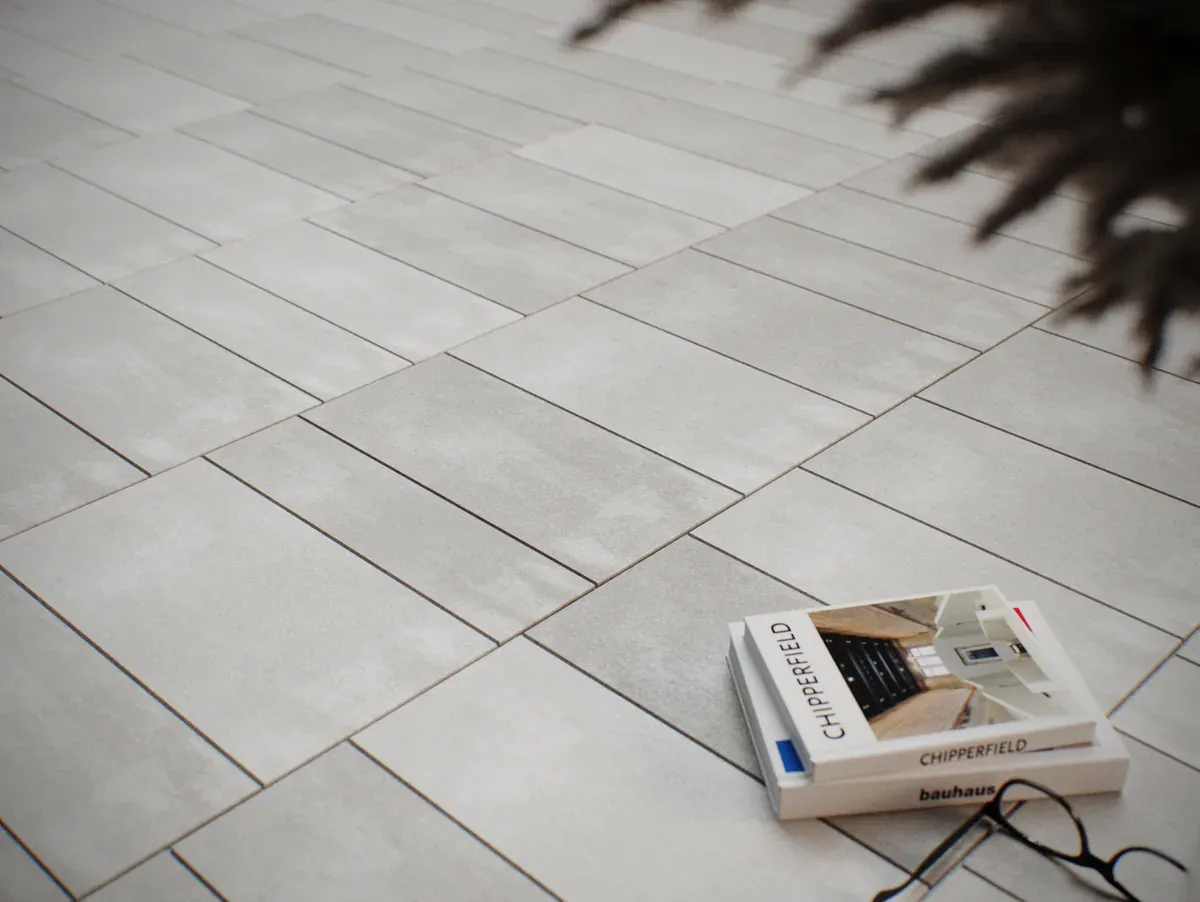
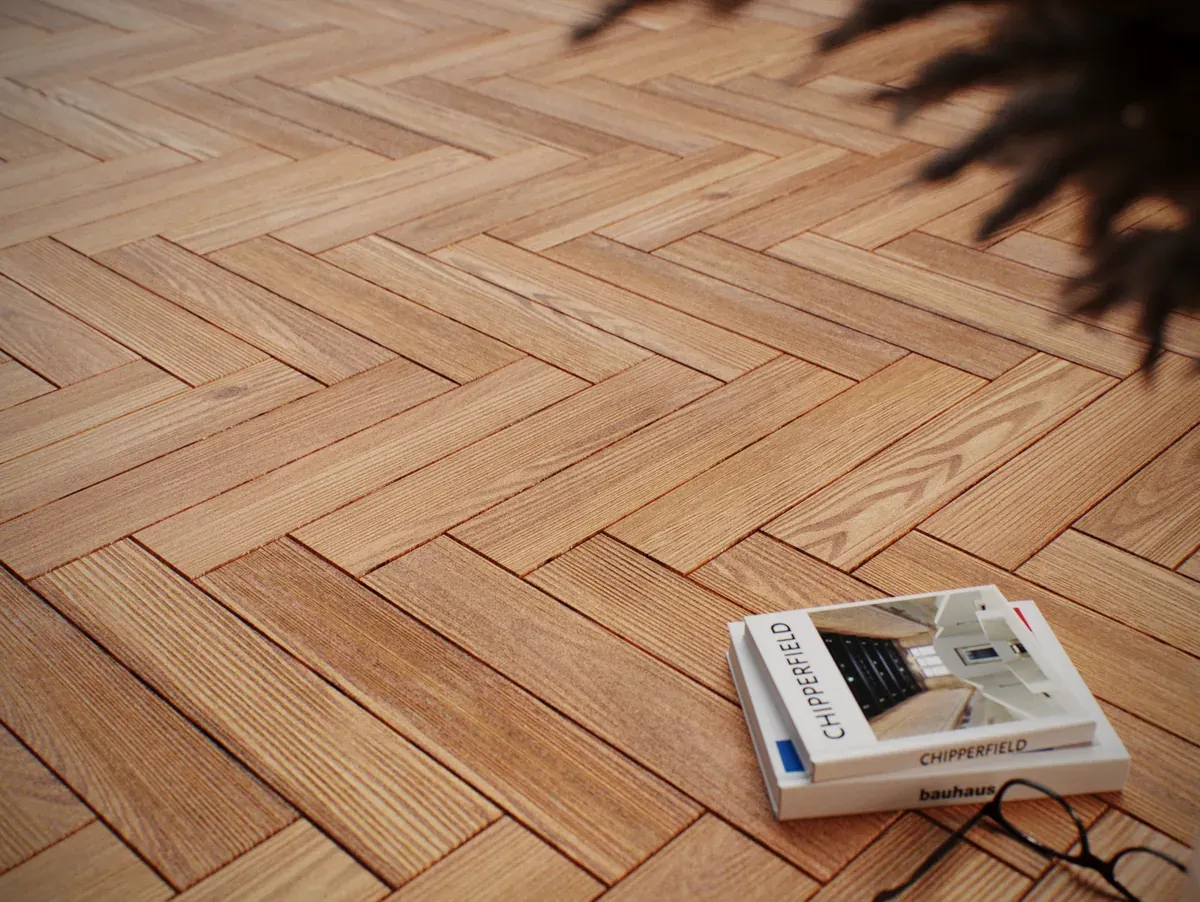
A single modifier that generates 11 floor patterns (plus your own tile) over complex meshes — L-shapes, cutouts, holes, walls — with exact concave clipping, continuous flow across faces, and automatic UV mapping.
True concave clipping.
Traditional generators assume your floor is a rectangle. Drop in an L-shape, a pool, a stair cutout — and they leave gaps, edge slivers, or visible diagonals cutting across the tiles. Floor Tiler PRO clips every piece exactly at the face’s real boundary, with holes subtracted in the right place. The floor reads as one continuous surface — not a patched-up puzzle.
↳ let it run to the end — on that same cut, the traditional tool crashes. ours doesn’t.
From floor to wall, without breaking.
Apply one modifier to the whole object and the pattern covers floor, walls and folds at once — with rows running the same way and joints meeting at the corner. You pick the direction (world axis X/Y/Z) and everything aligns. It’s the kind of detail that separates a “plugin floor” from a floor that looks real.
The floor follows your curve.
Draw a spline over the floor and the pattern follows the path — planks curve along it, tracing walkways, corridors and sinuous shapes. You set the floor’s direction with a curve, not just straight axes. Built for flat floors.
Texture-ready, no UVW Map.
The floor comes mapped. Real-World mode keeps the texture continuous and to scale; Per-Tile mode gives each piece its own grain, following the plank’s direction. Plus manual rotation and per-tile randomization so no plank looks like a clone.
Built by someone tired of workarounds.
Exact concave clipping
Every piece is clipped at the face’s real edge, with holes subtracted exactly. L/T shapes, pools and cutouts work with no gaps or visible diagonals.
Multi-face generation
One modifier covers floor, walls and folds at once, with rows in the same direction and joints meeting at the corner.
11 patterns + custom tile
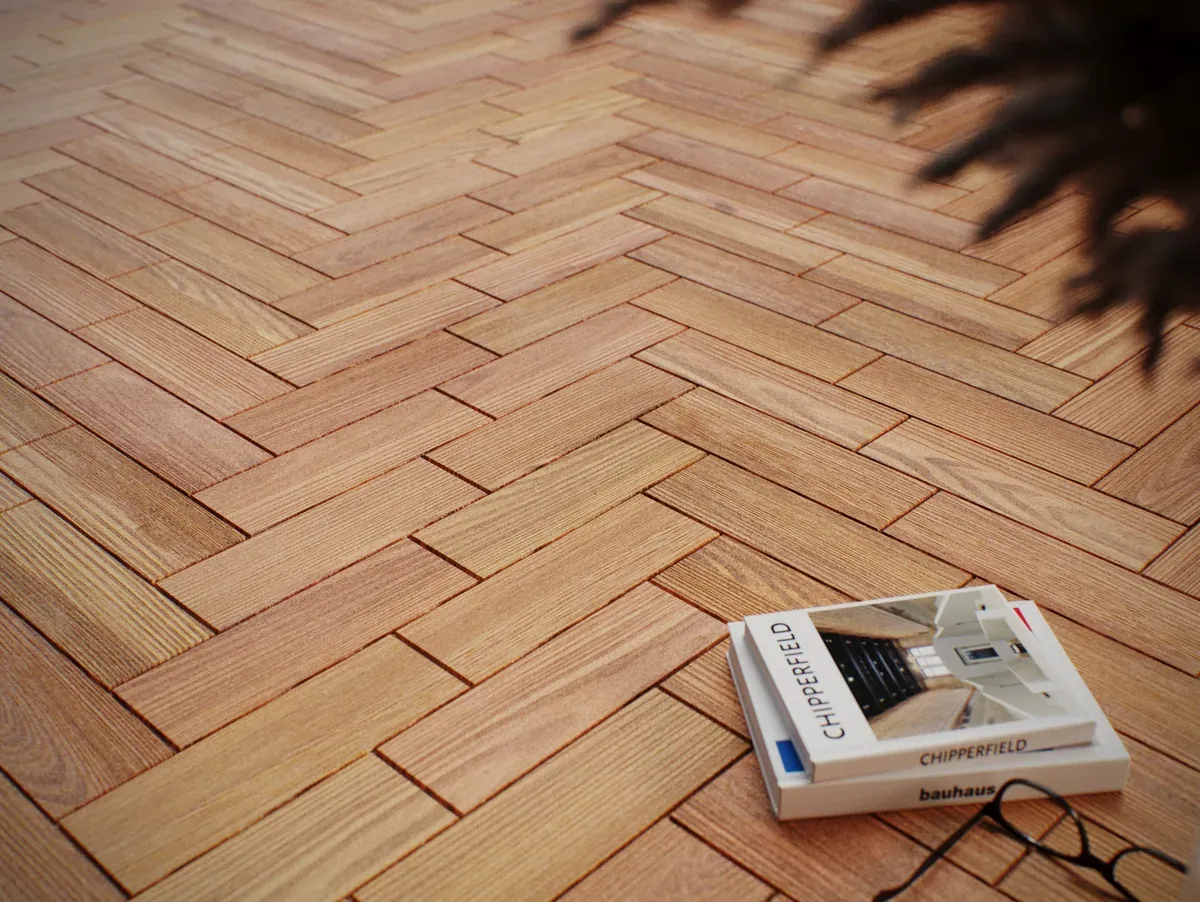
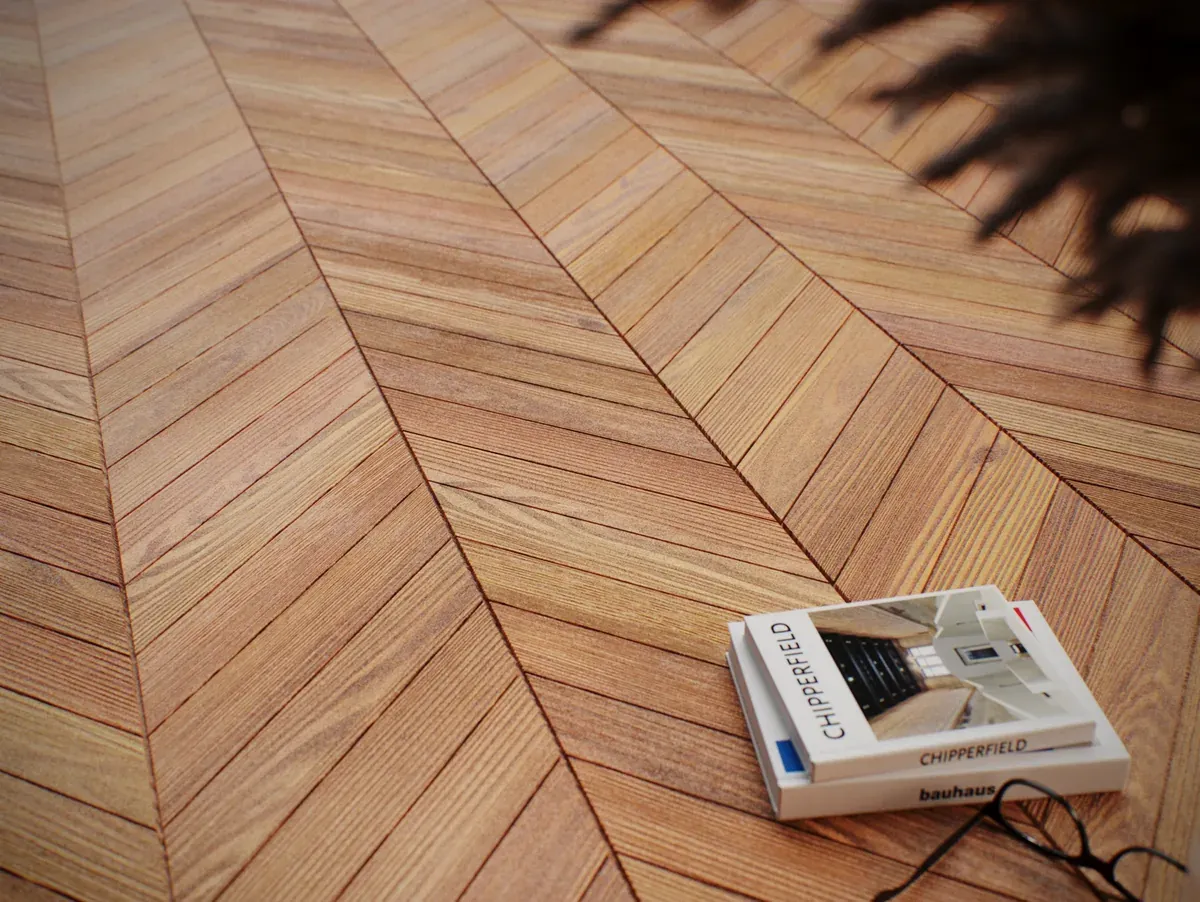
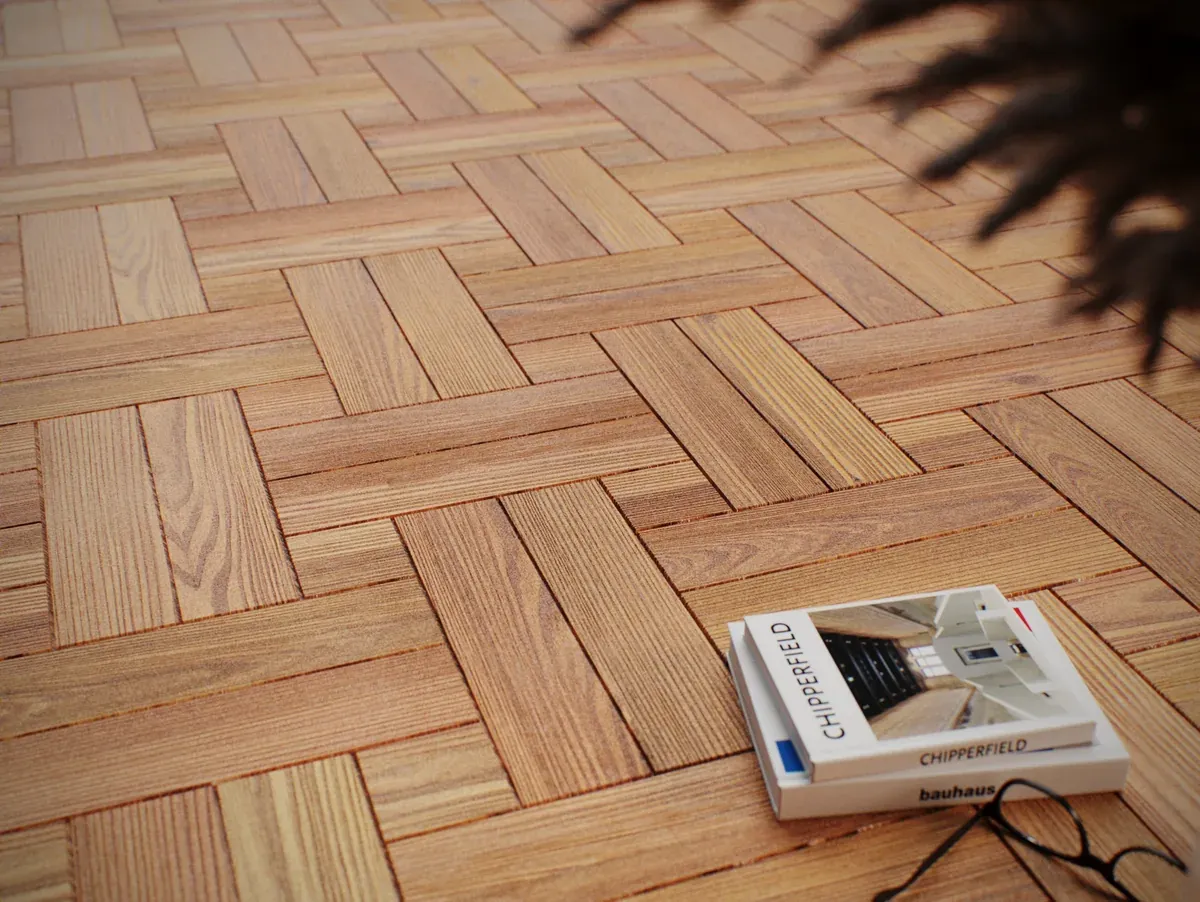
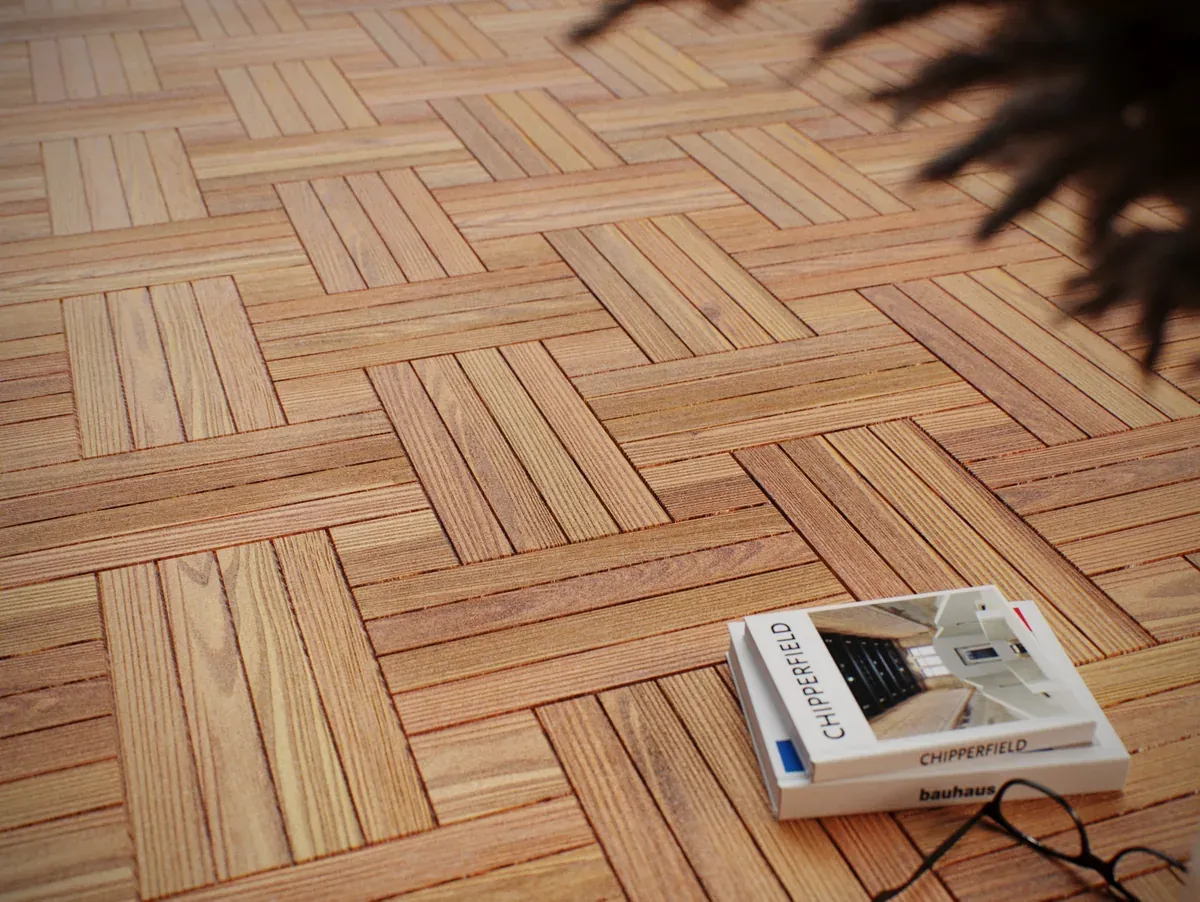
From classic herringbone to hexagon — or model your own tile and let the Tiler repeat and clip it across the surface.
Automatic UV mapping
Comes texture-ready. Continuous Real-World or Per-Tile with grain following each plank, plus per-tile rotation and randomization.
Spline alignment
Make the floor follow a spline’s direction — even bending along it, in 2D or rising in 3D (ramps, hills).
Per-selection rotation
Rotate the pattern only on the faces you select, within the same modifier — no stacking dozens of modifiers.
Dynamic planks & real grout
Per-row width and length variation, grout with geometry, bevel, thickness and per-tile height variation.
Anchor to Vertex
Start the tiling exactly at a vertex of your choice. Pick one vertex and the floor begins right there, aligned the way you want.
11 patterns. One modifier.
Switch patterns in one click — all of them respect geometry, grout and alignment.
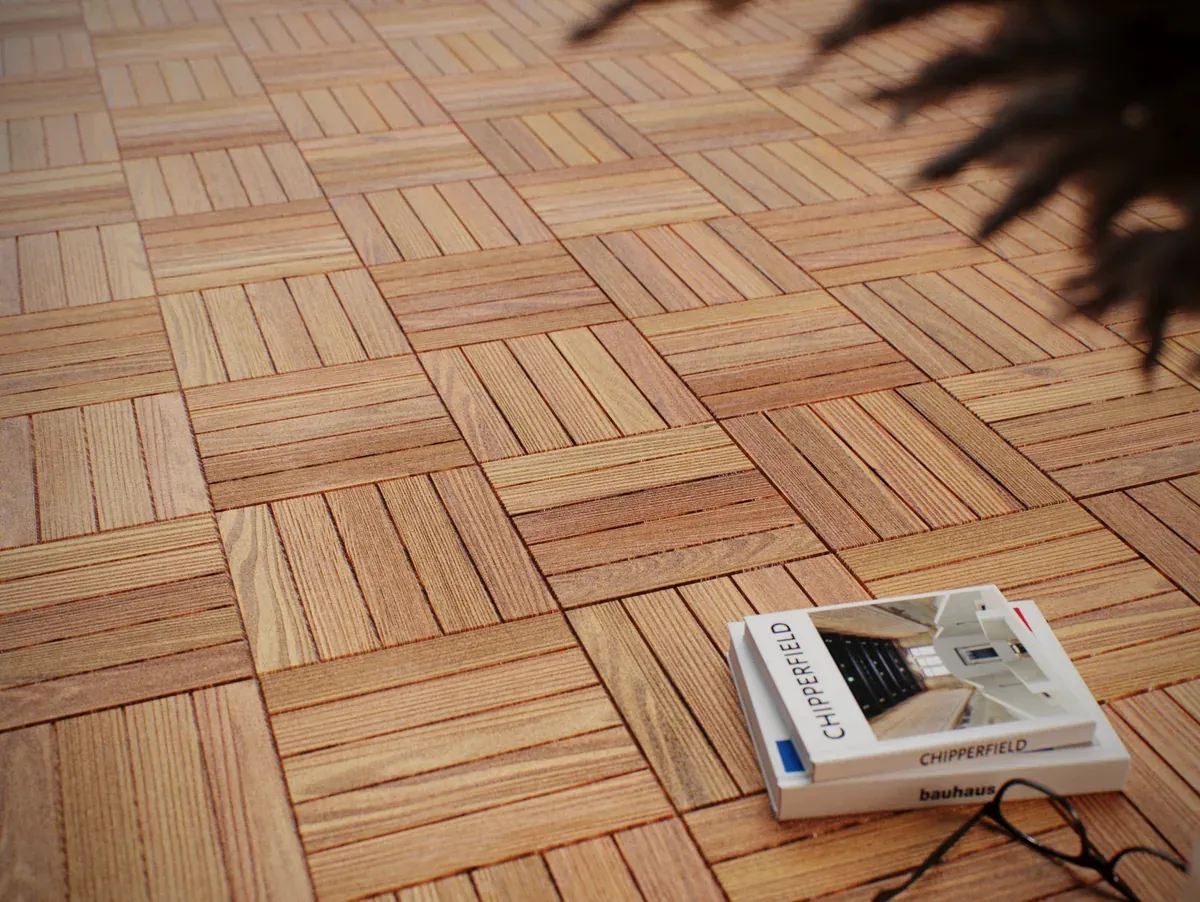
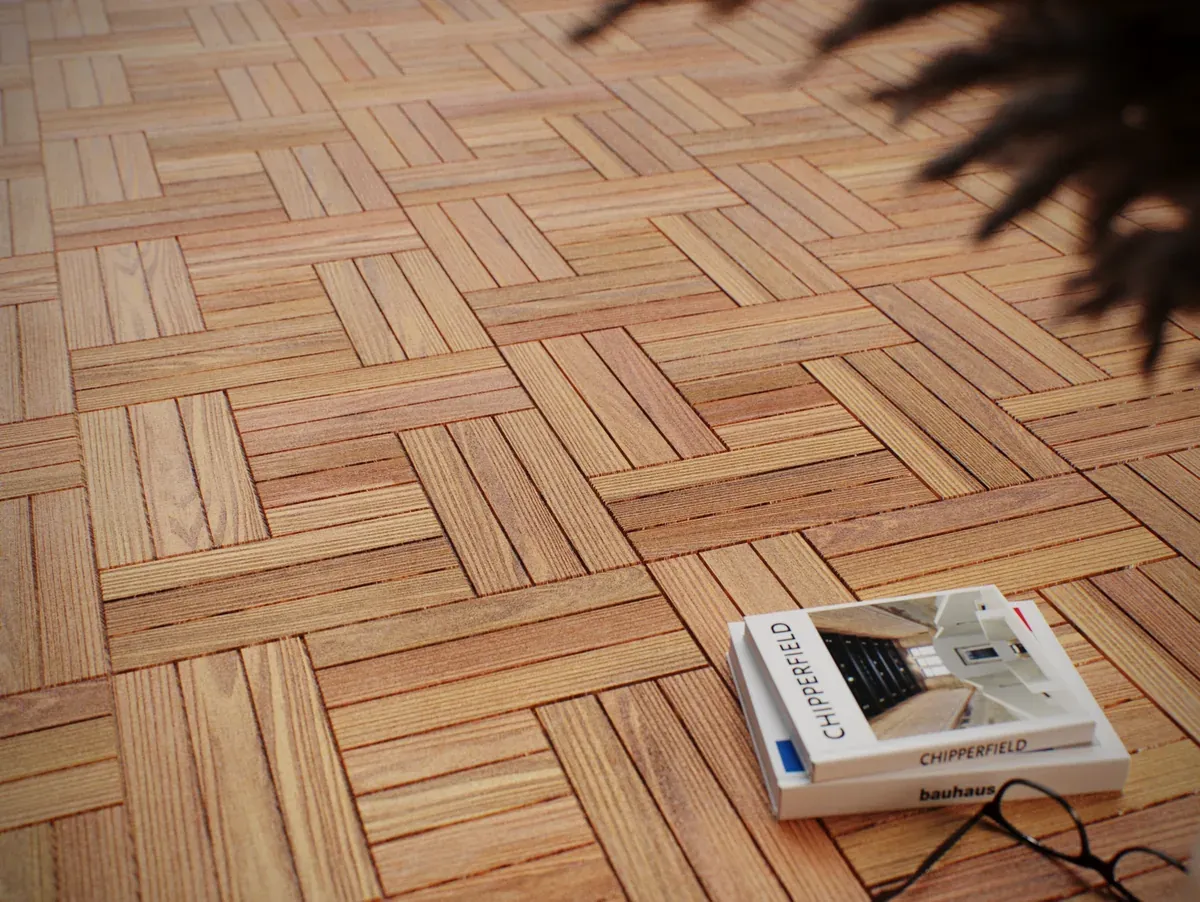
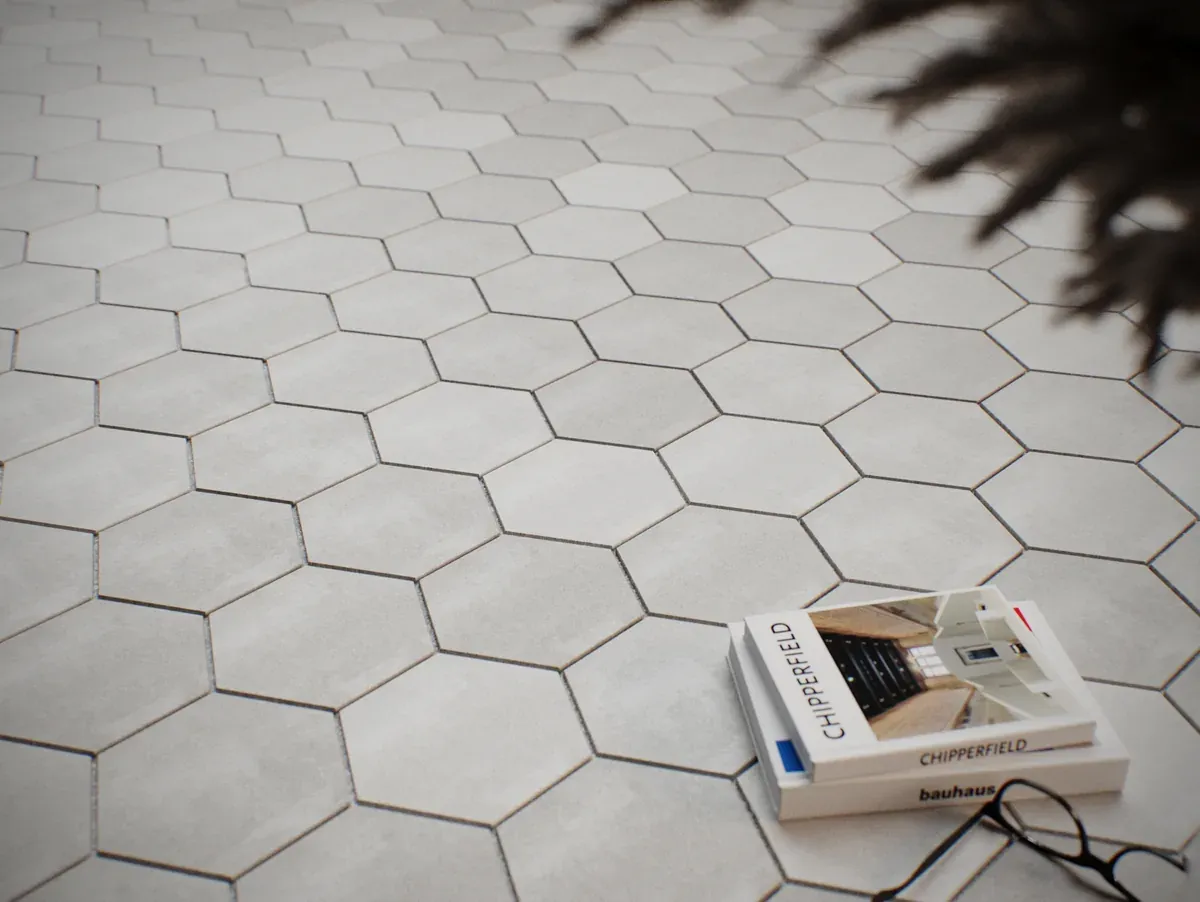
Traditional generators vs. Floor Tiler PRO
| Traditional | Floor Tiler PRO | |
|---|---|---|
| Generate on concave geometry (L/T, holes) | not available | available |
| Continuous flow across faces (floor↔wall) | not available | available |
| Exact edge clipping (no slivers/diagonals) | partial | available |
| Fully user-customizable tile | partial | available |
| Automatic UV Real-World + Per-Tile | partial | available |
| Floor following a spline | not available | available |
| Per-selection rotation | not available | available |
| Handles geometry that crashes other tools | not available | available |
| Everything in a single modifier | partial | available |
A living roadmap.
The license is lifetime: everything below ships as a free update. The order follows user feedback.
MATERIAL IDSComing soon · Tone variation (Material IDs) — each tile a different randomized tone: apply a Multi/Sub-Object for a natural floor with no identical tiles.PRESETSComing soon · Presets — save & share: designed your floor? Save it as a preset and reuse it in any project. Export and swap patterns with other artists.EDITORPlanned · Visual pattern editor — build your layout on a clickable grid: add tiles and paint the tones. Create unique arrangements without modeling anything.INLAYPlanned · Border / inlay — a finishing band framing the floor: the detail that makes it look like a real designed floor.PATTERNSOngoing · New patterns — the library keeps growing: new patterns with every update.VERSIONSOngoing · More versions & refinements — continuous quality and performance refinements, plus support for more 3ds Max versions on demand.Before you buy
No. It is a one-time payment: the licence is lifetime and keeps working with no renewal.
3ds Max 2024–2027, on 64-bit Windows.
Drag the installer into a 3ds Max viewport (it may ask you to run Max as Administrator), restart Max and add the button from the “AnimArq” category in Customize.
No. The floor comes out already mapped (Real-World or Per-Tile). Just drop the material on it and render.
Model your tile in 3ds Max and use Custom mode. The Tiler repeats and clips your tile like it does the built-in patterns.
Stop patching floors by hand.
One modifier. Any geometry. Eleven patterns and your own tile. Texture-ready for rendering.